
Videos
Product demonstrations and educational videos from Move Analytical
PAGE 2 OF 3
Check the spelling or try fewer words. You can also clear the search and browse by category.
 VIDEO
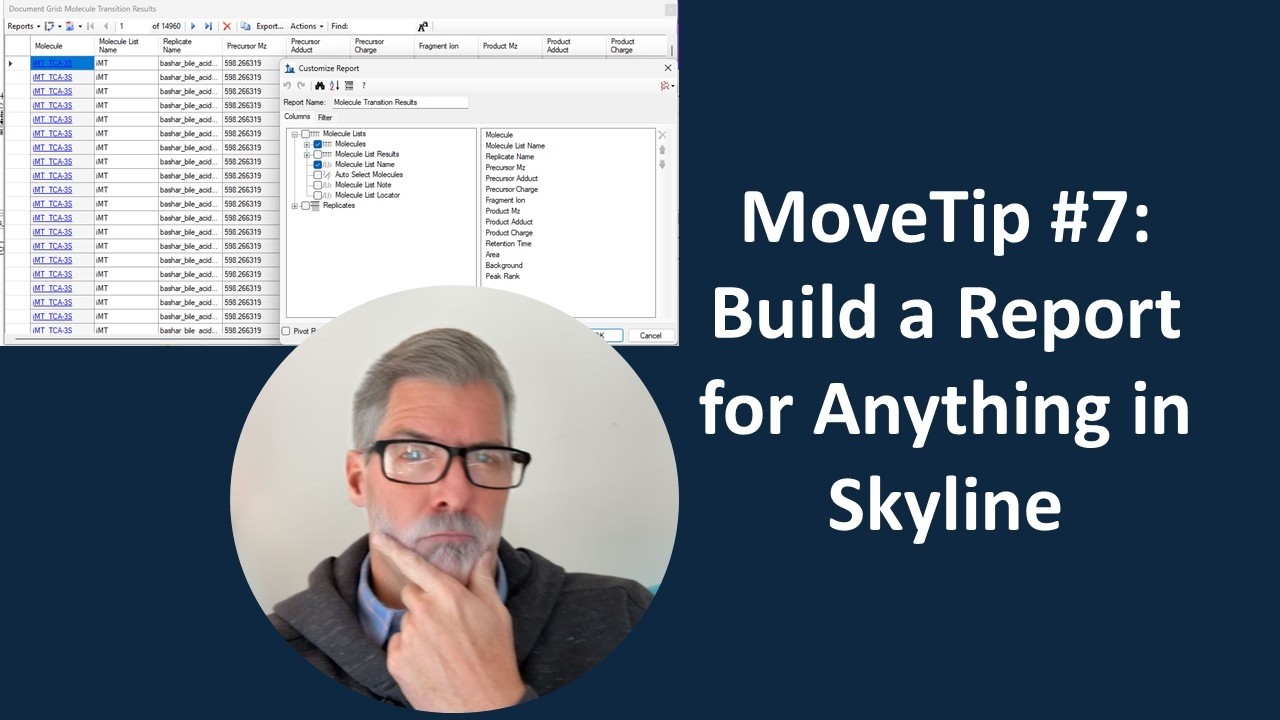
VIDEO MoveTip #7: Build a Report for Anything in Skyline with the Document Grid
Interfacing quantitative mass spec software tools with other tools for data analysis can sometimes be tricky. The Skyline team built an extremely flexible reporting interface which allows you to format a report, for virtually any value or metric from the data…
 VIDEO
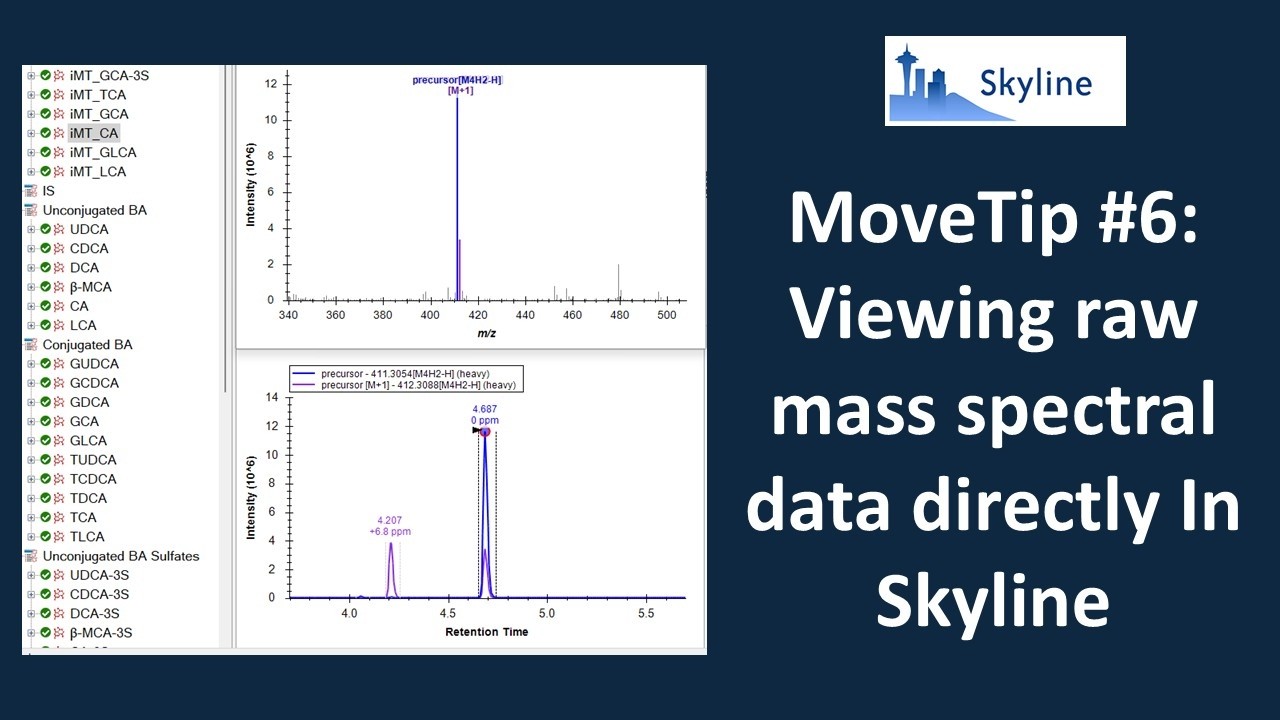
VIDEO MoveTip #6: Viewing raw mass spectral data directly in Skyline
Extracted ion chromatograms are used for quantification in LC-MS/MS, meaning a single ion or mass value extracted over the course of the chromatogram. However, due to the high dimensionality of mass spec data, it’s often useful to look at the full spectrum. In…
 VIDEO
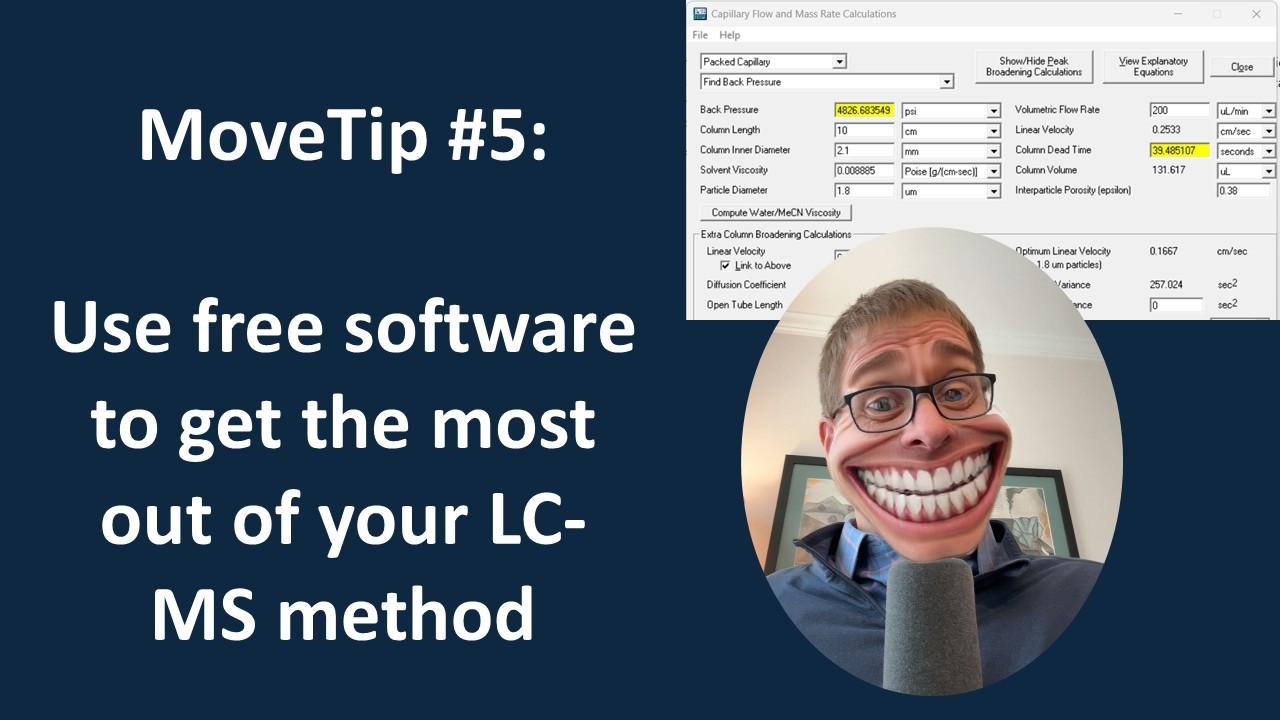
VIDEO MoveTip #5: Use free software to get the most out of your LCMS Separation
When translating a LC-MS method you have seen published or developing a new one, knowing the optimal flow rate and the appropriate pressure is typically an unanswered question. Never fear, a good estimate can be calculated! In this MoveTip, we share an easy…
 VIDEO
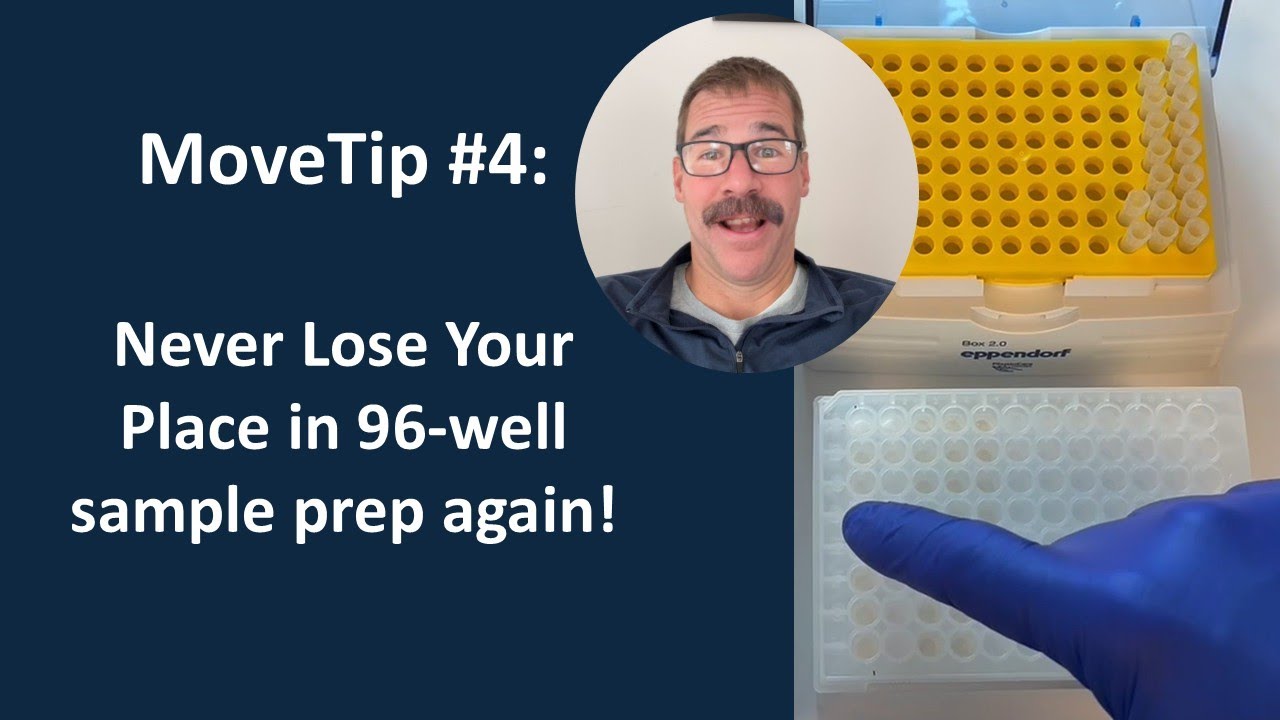
VIDEO MoveTip #4: Pipet Tip Box Trick for Sample Tracking on 96-well Plates
Do you ever get distracted and lose where you are when pipetting samples into a 96-well plate? This is especially problematic when going from vials into a plate, where a multichannel is not as practical or robotics aren’t an option. Using very small sample…
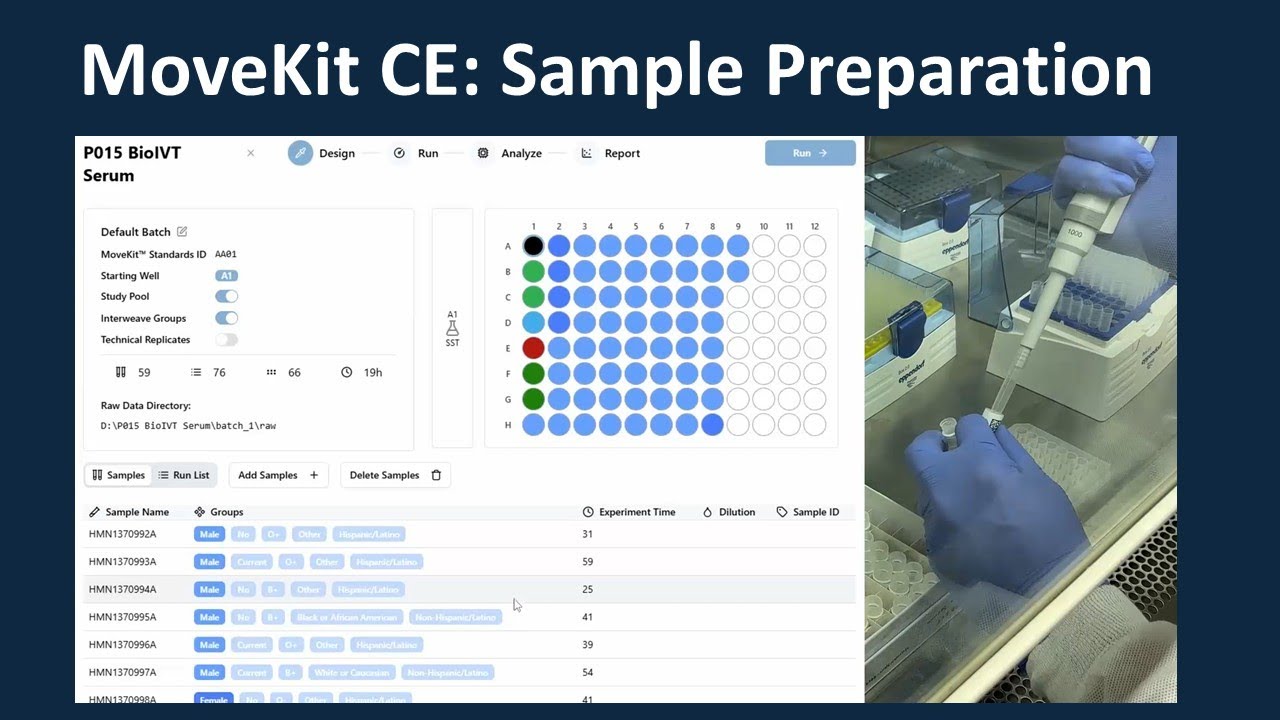 VIDEO
VIDEO MoveKit CE Sample Preparation
For this video we recorded the full sample preparation procedure for our MoveKit CE metabolomics kit and play it back with the time sped up so that you can see all of the details in under 10 minutes!
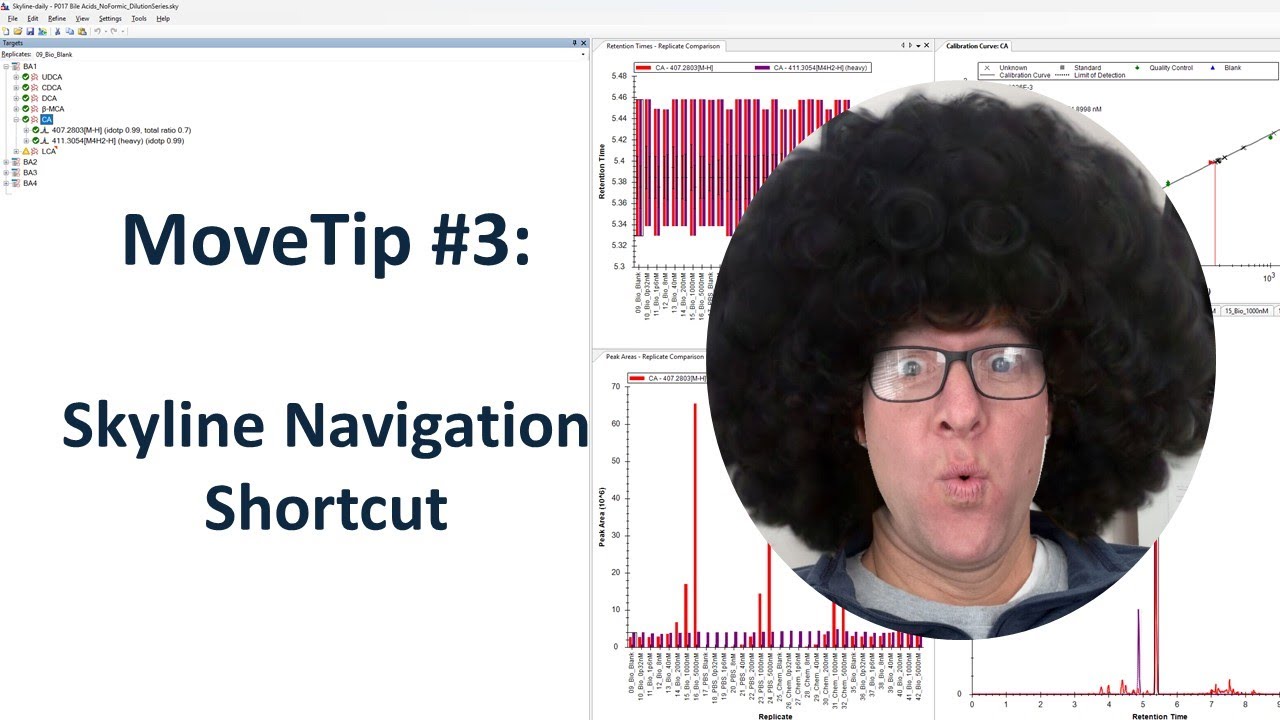 VIDEO
VIDEO MoveTip #3: Skyline Keyboard Shortcut for Faster Navigation
In this MoveTip, we share a quick keyboard shortcut to use in Skyline for mass spectrometry data review. Want a way to quickly navigate through all the molecules and replicates (raw data files) in a Skyline file, without clicking around with your mouse? There’s…